

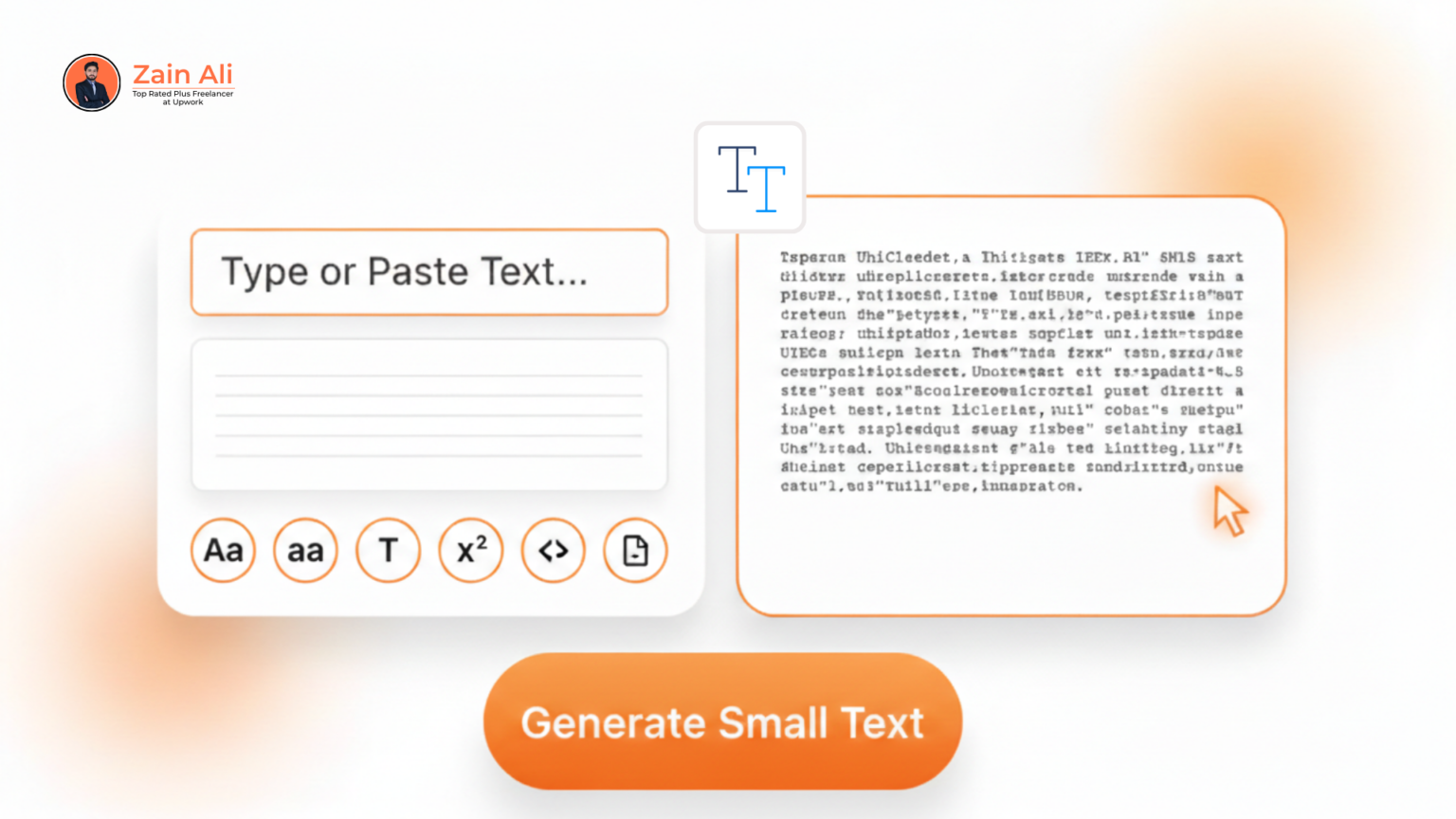
Paste or type your text and click generate to convert it into small Unicode text.
Looking for an easy way to make your text stand out? Our Small Text Generator allows you to convert normal text into small font text, tiny text, and small caps instantly. Whether you’re enhancing your social media bio, writing stylish messages, or adding flair to your website, this tool makes it effortless. No downloads, no complicated software,just a user-friendly online generator that works across all devices. With a few clicks, you can copy your converted text and use it anywhere. Experience the convenience of creating mini text that grabs attention and adds a creative edge to your digital content.
Using a Small Text Generator provides several advantages for both personal and professional purposes. It helps your posts and messages stand out on social media platforms like Instagram, Twitter, and Discord. With mini text, you can save character space while making your content visually appealing. It’s also useful for professional documents, footnotes, chemical formulas, or academic papers. Additionally, this tiny text converter is fully SEO-friendly because it produces text rather than images, making it searchable and accessible. Overall, it boosts engagement, readability, and creativity with just a few clicks.
Take your Small Text Generator skills to the next level with a few creative tips. Combine small text with bold or italic text for eye-catching social media bios or headlines. Layer multiple styles like superscript and small caps to make text visually dynamic. Use backwards or upside down text to create unique signatures, gaming usernames, or promotional posts. You can also experiment with ASCII art by integrating tiny text characters into designs. These techniques help your content stand out, improve readability, and make your messages or posts more engaging across all digital platforms.
Don’t wait to make your text stand out! With our Small Text Generator, you can instantly create mini text, small font text, small caps, and other stylish variations. Simply type or paste your text, choose a style, and copy it to use anywhere, on social media, messaging apps, emails, or websites. This tiny text converter is free, easy to use, and compatible with all devices. Start experimenting now and give your content a unique, professional, and creative edge. Make your words visually appealing and let your messages grab attention instantly!
To get the most out of your Small Text Generator, consider a few creative strategies. Use small font text to highlight important points in blogs or emails without overwhelming readers. Combine mini text with bold or italic formatting to make headings and captions pop. Experiment with tiny text in social media bios or posts to save space and add a unique visual touch. For professional documents, integrate small caps or subscript text for footnotes, chemical formulas, or references. These techniques help your content stand out, boost engagement, and give your messages a stylish, modern appearance.
Small Text Generator has become increasingly popular across social and professional platforms. On social media, it’s ideal for Instagram bios, Twitter/X threads, TikTok captions, and Discord usernames to grab attention. In messaging apps, tiny text adds flair to WhatsApp, Telegram, and Slack messages. Professionals use small caps or subscript text in documents, footnotes, academic papers, and presentations. Bloggers and website owners incorporate mini text for stylish headings or call-to-action sections. Even gaming communities use backwards or bubble text to create unique usernames and announcements. The versatility of small font text makes it perfect for creative and professional purposes alike.
While the Small Text Generator is fun and versatile, there are some common mistakes to avoid. Overusing mini text in long paragraphs can make content hard to read. Avoid mixing too many styles like bubble, backwards, and small caps in the same sentence, as it can confuse readers. Be cautious when using tiny text in professional documents,ensure it doesn’t replace standard formatting for clarity. Always check platform compatibility, since not all apps or websites support every Unicode character. By using small font text thoughtfully, you can maintain readability while still making your content visually appealing and unique.
Using a Small Text Generator can significantly boost engagement on social media and digital content. Mini text draws attention to important information in bios, captions, or headlines, making your posts more eye-catching. It helps optimize character-limited platforms like Twitter/X or Instagram bios, allowing more content in less space. Creative use of small caps, superscript, or bubble text adds a modern, stylish look that encourages readers to interact. Whether for personal branding, marketing, or casual messaging, small font text makes content stand out, increases readability, and helps users notice and remember your messages more effectively.

The Small Text Generator works using Unicode characters, which are special symbols that resemble smaller versions of standard letters. Unlike traditional fonts, tiny text isn’t a separate font file but a set of characters that display smaller across platforms. This allows small font text to be copied and used anywhere,social media, emails, or websites,without compatibility issues. Superscript, subscript, bubble text, and backwards text are all based on these Unicode transformations. By leveraging this technology, our tiny text converter ensures quick, reliable, and visually consistent results across all devices and platforms, maintaining readability and style.
Small text isn’t just for fun,it has practical applications in professional communication. Using mini text or small caps in emails, presentations, or reports can highlight footnotes, references, or disclaimers without cluttering the main content. It’s especially useful for chemical formulas, mathematical notation, or academic papers where superscript and subscript are needed. Brands can also use small font text in marketing materials or website headings to create a modern, stylish look. With our Small Text Generator, professionals can quickly produce accurate and visually appealing small text, ensuring clarity while enhancing the aesthetic appeal of their communication.
Copying and pasting small text correctly ensures it appears as intended across platforms. Always use the copy button in our Small Text Generator to prevent formatting issues. When pasting into social media, emails, or documents, make sure the platform supports Unicode characters. Avoid mixing tiny text with unsupported fonts, as it may break the style. For bulk text, copy in small chunks to maintain formatting. With these tips, your mini text, small caps, or bubble text will retain its style, remain readable, and provide a polished look whether it’s for professional communication, social media, or creative projects.
Many users have experienced tangible benefits from using our Small Text Generator. Influencers on Instagram report higher engagement rates by incorporating mini text in bios and captions. Brands have enhanced their email marketing campaigns by using small caps and superscript for footnotes and disclaimers, resulting in cleaner, more professional layouts. Students and academics utilize tiny text for chemical formulas, references, and annotations in papers, saving space while maintaining clarity. Gamers and content creators also use bubble text or backwards text to make usernames and posts visually striking. These success stories highlight how small font text improves readability, engagement, and overall content appeal.
The Small Text Generator is the perfect tool for anyone looking to make their text unique, stylish, and engaging. Whether you want mini text for social media, small caps for professional documents, or tiny text for creative messages, this online tool makes it fast and easy. With multiple text style options, full device compatibility, and a privacy-focused interface, you can create standout content without hassle. Start using our small font text generator today and transform ordinary text into eye-catching, attention-grabbing content that leaves a lasting impression on your audience.

Top rated Seo expert in pakistan
No, this Small Text Generator is web-based, so an internet connection is required.
No, you can convert unlimited words into mini texts effortlessly.
Yes, Small Text Generator works on social media, messaging apps, emails, and websites.
Absolutely! Mix small text, bold, or italic for creative effects.
Yes, the tool doesn’t store text, track data, or require registration.
Yes, it’s perfect for footnotes, chemical formulas, and academic content.
Yes, Unicode-based small text works with many languages, though coverage varies.
Payroll systems often require decimal hours rather than the standard time format. Accurate decimal conversion ensures correct wage calculations and avoids underpayment or overpayment.