
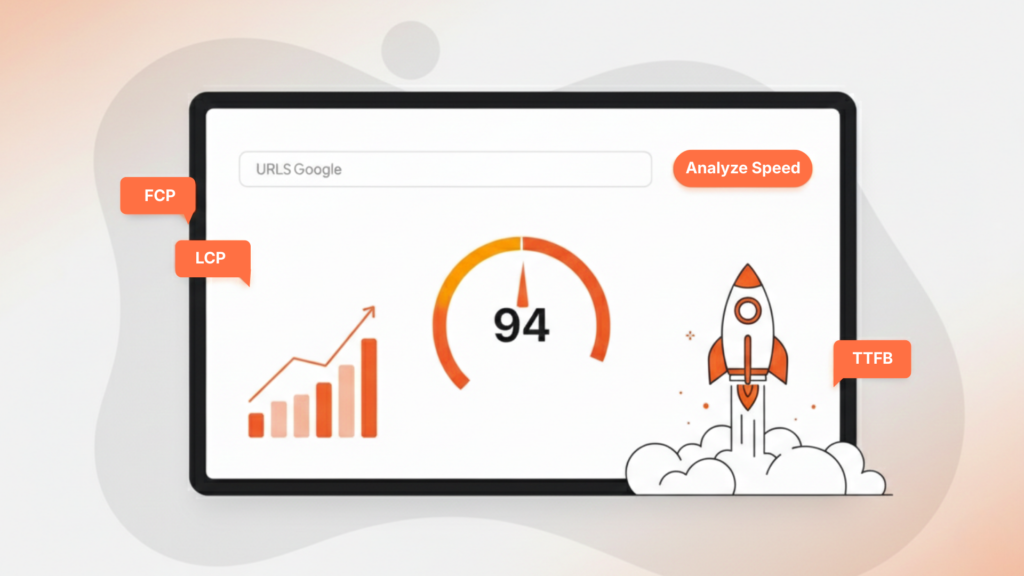
Understanding Google PageSpeed Insights Guide is essential for improving website performance and search visibility. Website speed is no longer just a technical preference; it directly influences rankings, user experience, and conversion rates. Modern search engines evaluate page performance as part of overall quality signals, making speed optimization a foundational SEO requirement.
Google PageSpeed Insights is a free tool developed by Google that analyzes web pages and provides performance scores along with actionable recommendations. It evaluates both mobile and desktop versions, offering insights based on real-world user data and lab-based testing. Unlike basic speed tests, PageSpeed Insight from Google goes deeper into performance metrics such as loading time, visual stability, and responsiveness.
It measures these through structured audits powered by Google Lighthouse. In this comprehensive guide, you’ll learn how the tool works, what the scores mean, how to interpret the Core Web Vitals report, and how to implement advanced website speed optimization strategies that align with modern ranking standards.
What is Google Pagespeed Insight?
Understanding Pagespeed Insight, Google begins with knowing how the tool evaluates website performance. Google PageSpeed Insights is designed to measure how fast and stably a webpage loads on both mobile and desktop devices. It combines lab data generated by Google Lighthouse with real-user data from the Chrome User Experience Report to deliver a comprehensive analysis.
The tool runs a series of performance audits, analyzing elements such as server response time, render-blocking resources, image optimization, JavaScript execution, and layout stability. It then generates a PageSpeed Insights score between 0 and 100. Scores above 90 are considered strong, while lower scores indicate areas that need improvement. Unlike basic speed tools, Google Pagespeed Insight evaluates user-centric performance metrics, especially those tied to Core Web Vitals.
These metrics measure loading speed, interactivity, and visual stability, factors that directly influence user experience and rankings. Google uses these signals as part of its page experience evaluation. By understanding how PageSpeed Insights works, website owners can prioritize meaningful improvements rather than chasing superficial metrics. The tool doesn’t just measure speed; it provides a roadmap for structured website speed optimization aligned with modern search standards.

Core Web Vitals Report Explained
One of the most important sections inside Google pagespeed insight is the Core Web Vitals report. These metrics focus on real user experience rather than just technical loading speed. Introduced by Google, Core Web Vitals measure how quickly content loads, how responsive a page feels, and how visually stable it remains during loading.
There are three primary Core Web Vitals metrics:
- Largest Contentful Paint (LCP): Measures loading performance. It tracks how long it takes for the largest visible element to load.
- Interaction to Next Paint (INP): Measures responsiveness by analyzing how quickly a page reacts to user interactions.
- Cumulative Layout Shift (CLS): Measures visual stability by detecting unexpected layout movements.
Google Pagespeed Insight collects this data from the Chrome User Experience Report, which reflects real-world performance across devices and networks. This makes the analysis more reliable than synthetic lab-only tools. If your Core Web Vitals report shows “Needs Improvement” or “Poor,” it signals performance bottlenecks that can affect rankings and user retention. Since these metrics are part of the page experience update, optimizing them is essential for both SEO and conversion rates. Understanding how PageSpeed Insights Google evaluates Core Web Vitals helps prioritize improvements that truly impact user experience rather than focusing on cosmetic speed tweaks.
How to Use the Google PageSpeed Test Step by Step?
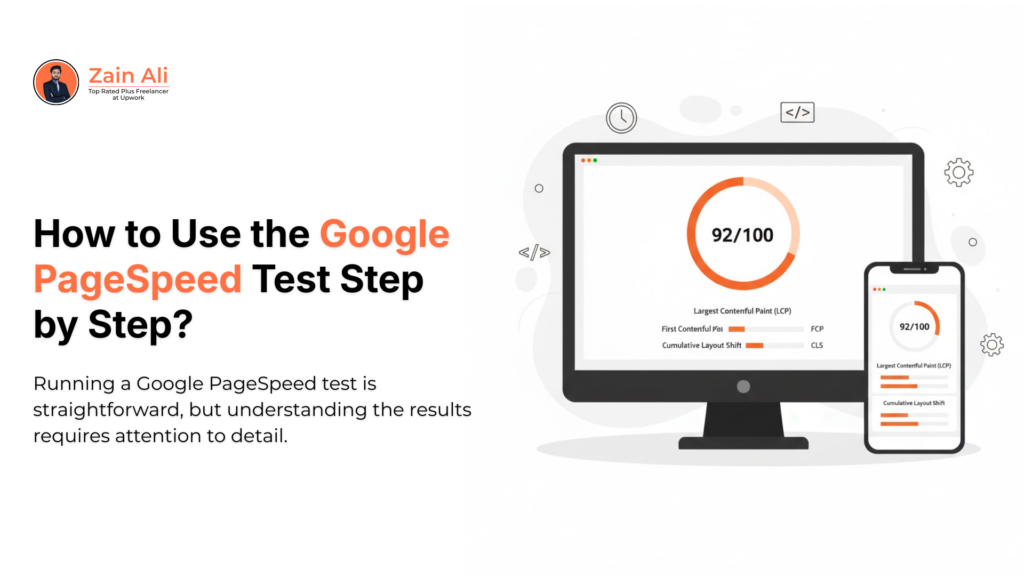
Running a Google PageSpeed test is straightforward, but understanding the results requires attention to detail. The process begins by visiting Google PageSpeed Insights and entering the URL you want to analyze. Once submitted, Google PageSpeed Insight automatically runs performance audits for both mobile and desktop versions of your site.
After analysis, the tool generates a PageSpeed Insights score between 0 and 100. Green (90–100) indicates strong performance, orange (50–89) signals room for improvement, and red (0–49) highlights serious optimization issues. However, the score alone isn’t the most important part; the detailed diagnostics provide actionable insights. Below the score, you’ll see Core Web Vitals data, lab performance metrics, and optimization suggestions.
These include recommendations like reducing unused JavaScript, optimizing images, enabling compression, and improving server response time. Pagespeed insight uses data from Google Lighthouse and real-world usage metrics to create these reports. For deeper technical debugging, developers can use Chrome DevTools to inspect performance bottlenecks directly in the browser. This allows granular analysis of rendering, scripts, and network requests. By consistently running the Google PageSpeed test and implementing recommended fixes, you create a structured workflow for sustainable website speed optimization aligned with modern ranking requirements.
Fixing Common Performance Issues
Effective website speed optimization starts with identifying the bottlenecks highlighted in the Pagespeed Insights Google reports. While the tool provides recommendations, knowing how to implement them strategically is what truly improves performance. Most websites struggle with unoptimized images, excessive JavaScript, render-blocking CSS, slow hosting, and a lack of caching. One of the first fixes involves image compression and modern formats like WebP.
Large image files significantly impact Largest Contentful Paint (LCP), a key metric in the Core Web Vitals report. Next, minimize unused JavaScript and defer non-critical scripts to improve loading time. Tools powered by Google Lighthouse often flag heavy scripts as major performance issues. Server response time is another frequent problem. Upgrading hosting, enabling caching, and using a content delivery network (CDN) can dramatically reduce load times.
Pagespeed insight also recommends enabling text compression (Gzip or Brotli) and optimizing CSS delivery to prevent render-blocking delays. Search engines like Google evaluate these performance factors as part of the page experience signals. Ignoring them affects both rankings and user retention. Consistent website speed optimization requires monitoring changes after each update. By addressing issues methodically and testing improvements, you create a sustainable performance strategy rather than relying on temporary fixes.
How PageSpeed Insights Score Impacts SEO Rankings?
Many website owners focus heavily on their PageSpeed Insights score, but understanding how it truly impacts rankings requires nuance. The number itself (0–100) is not a direct ranking factor. Instead, the metrics behind that score, especially those measured in Pagespeed Insight, influence search visibility. Google has confirmed that page experience signals, including Core Web Vitals, are part of its ranking system. Metrics like Largest Contentful Paint (LCP), Interaction to Next Paint (INP), and Cumulative Layout Shift (CLS) directly affect how users experience a page.
When these metrics perform poorly, user engagement drops, bounce rates increase, and rankings may decline over time. The Core Web Vitals report within Pagespeed Insight, Google uses real-world data from the Chrome User Experience Report. This means Google evaluates how actual users interact with your site, not just lab simulations. Pages with strong real-user performance tend to maintain stable rankings, especially in competitive niches.
However, speed alone does not guarantee high rankings. Content relevance, backlinks, and technical SEO remain critical. Page performance acts as a competitive advantage, especially when two pages have similar authority and relevance. In short, improving your PageSpeed Insights score supports better SEO outcomes by enhancing user experience. It strengthens overall page quality signals, helping search engines trust your site as fast, responsive, and reliable.
Common Challenges
Many website owners run Pagespeed Insights on Google and feel overwhelmed by the warnings and diagnostics it provides. While the tool highlights clear opportunities, some issues can be technically complex to resolve. Understanding the most common challenges makes website speed optimization more manageable and structured.
One frequent issue is render-blocking resources. CSS and JavaScript files that load before visible content delay rendering. The solution involves deferring non-critical scripts and minimizing CSS delivery. Another challenge is unused JavaScript, often caused by heavy themes or plugins. Reducing third-party scripts significantly improves performance metrics. Large image files are also a common problem flagged in the Google PageSpeed test. Compressing images, using modern formats like WebP, and implementing lazy loading reduce Largest Contentful Paint delays. Server response time is another bottleneck, especially on shared hosting. Upgrading hosting or using a CDN can dramatically improve load times.
Inconsistent Core Web Vitals results may also confuse users. Because Google Pagespeed Insight uses real-world data from the Chrome User Experience Report, performance can vary depending on device and network conditions. This makes ongoing monitoring essential. Finally, some recommendations from Google Lighthouse may require developer-level adjustments. Prioritize high-impact fixes first rather than chasing minor improvements. A step-by-step approach ensures sustainable performance gains aligned with modern SEO standards.
Advanced Tips to Improve Performance
Once basic fixes are implemented, advanced optimization techniques can significantly enhance Google PageSpeed Insights performance. These improvements go beyond simple compression and script reduction; they focus on architecture, delivery systems, and resource prioritization. One advanced tactic is implementing critical CSS. By loading only the CSS required for above-the-fold content first, you improve rendering speed and Largest Contentful Paint.
Another high-impact improvement involves preloading key resources such as fonts and hero images. This ensures important assets are prioritized by the browser. Server-level enhancements also matter. Using HTTP/2 or HTTP/3 protocols improves data transfer efficiency. Enabling Brotli compression instead of standard Gzip can further reduce file size. Many developers integrate performance monitoring directly within Chrome DevTools to analyze network waterfalls and optimize load sequences. Reducing third-party scripts is another crucial step.
Analytics tools, chat widgets, and ad networks often create performance bottlenecks. Carefully evaluating each external script improves both speed and stability. Search engines like Google reward fast, responsive pages because they enhance user experience. Advanced website speed optimization ensures not only better PageSpeed Insights scores but also stronger engagement metrics. By layering these improvements strategically, you create a high-performance website that aligns with modern SEO requirements and competitive search standards.
Monitoring Performance with Google Search Console
Improving performance once is not enough; continuous monitoring ensures your Google Pagespeed Insight results remain stable over time. Performance can fluctuate due to content updates, plugin installations, hosting changes, or algorithm updates. That’s why structured monitoring is essential for sustainable website speed optimization. Google Search Console provides a dedicated Core Web Vitals report that tracks real-user performance across mobile and desktop.
Unlike one-time lab tests, this report shows long-term trends and identifies URLs that need improvement. It pulls data from the Chrome User Experience Report, making it highly reliable. Regularly reviewing this data helps you detect performance degradation early. For example, if a new plugin slows down your Largest Contentful Paint or increases layout shifts, you can quickly diagnose and resolve the issue. Combining Google Search Console insights with repeated Google PageSpeed tests creates a balanced performance tracking system.
Ongoing optimization should include periodic audits, image reviews, script evaluation, and server performance checks. Search engines like Google value a consistent user experience, not temporary improvements. By treating performance as an ongoing process rather than a one-time fix, you ensure your pagespeed insights Google metrics remain competitive, stable, and aligned with modern ranking standards.
Conclusion
Understanding and optimizing Google PageSpeed Insights is no longer optional for modern websites. Speed, responsiveness, and visual stability directly influence how users interact with your content and how search engines evaluate your site’s quality. While the PageSpeed Insights score itself is not the only ranking factor, the performance signals behind it significantly impact visibility and engagement.
Google integrates Core Web Vitals and page experience signals into its ranking systems, making structured website speed optimization essential for competitive SEO. By leveraging tools like Google PageSpeed Insights, Google Lighthouse, and Google Search Console, website owners can identify bottlenecks and implement targeted improvements.