

This formatter is a must-have tool for developers, analysts, and anyone working with structured data. It helps you convert messy, unreadable JSON into a clean, well-structured format that’s easy to read, debug, and share. Whether you’re inspecting API responses, fixing syntax errors, or preparing data for production, this formatter saves time and reduces mistakes. Modern applications rely heavily on JSON to exchange data between systems.
Because JSON is often generated by machines, it can appear in a single line with no spacing, making errors hard to spot. This formatter organizes keys and values with proper indentation, highlights issues, and improves clarity without changing the underlying data. From a developer workflow perspective, formatting JSON is essential when working with JavaScript, APIs, and configuration files.
A JSON formatter online, free, is a tool that converts raw JSON data into a clean, readable structure. Instead of long single-line strings, it displays JSON with proper indentation, spacing, and hierarchy. This makes it much easier to understand complex or deeply nested data, especially when working with large files or API responses.
Developers rely on JSON formatters because JSON syntax is strict; one missing comma or bracket can break the entire file. A formatter helps quickly identify syntax errors and validate structure, which is especially useful when handling third-party APIs. Clean formatting also boosts productivity by making debugging faster, reducing mental load, and improving collaboration. Well-formatted JSON supports better data handling, smoother data serialization, and fewer runtime errors, making it an essential tool for efficient development workflows.
A JSON formatter and beautifier online works by parsing raw JSON input and converting it into a clean, human-readable structure without changing the actual data. When JSON is pasted into the tool or loaded from a URL, the formatter first checks whether the syntax follows JSON standards. This ensures brackets, commas, quotes, and data types are valid before formatting begins.
The formatter validates the JSON syntax by checking for issues such as missing commas, mismatched braces, or incorrect quotation marks. If an error is found, the tool highlights the exact location, making debugging fast and precise. Once validated, it builds an internal data tree that represents the structure of the JSON file.
Using the internal data tree, the formatter outputs the JSON with proper indentation, spacing, and line breaks so nested objects and arrays are easy to read. Many online tools also offer features like collapsible nodes, syntax highlighting, data type indicators, and JSON Schema validation. Because everything runs in the browser, results are instant with no installation required, making it ideal for API debugging, log inspection, and quick data cleanup during development.
A JSON formatter and validator go beyond improving readability; it actively checks your data for syntax and structural errors. When raw JSON is pasted into the tool, it is parsed according to strict JSON rules. Any issue, such as missing commas, extra trailing commas, unmatched braces, or incorrect quotation marks, is immediately detected and flagged.
The validator identifies errors by marking the exact line and character position where the problem occurs. Many tools visually highlight the faulty segment and suggest fixes, such as adding a missing delimiter or closing a bracket. This is especially helpful when working with large API responses, where even a small typo can break the entire payload.
Advanced JSON formatter and validator also support JSON Schema validation, allowing you to check whether required fields exist, data types are correct, and nested objects follow defined patterns. This is critical for production APIs and system integrations. By validating both syntax and structure, JSON formatter and validator reduce debugging time, prevent runtime errors, and help developers ship clean, reliable data with confidence.
Understanding the difference between beautifying and minifying JSON is important for using the right approach at the right stage of development. Both methods work on the same data but serve completely different purposes. One focuses on human readability, while the other prioritizes performance and efficiency.
A JSON beautifier improves readability by adding indentation, spacing, and line breaks, making data easy to read, debug, and review. This is ideal during development, testing, and collaboration, especially when working with APIs, configuration files, or logs. In contrast, minifying JSON removes all unnecessary whitespace and formatting, reducing file size for faster transmission and processing. Minified JSON is best suited for production environments where performance, bandwidth, and storage efficiency matter. In simple terms, beautify JSON for humans and minify JSON for machines.
A free JSON formatter is an ideal solution when you need fast, reliable formatting without installing software or paying for subscriptions. These tools are commonly used by developers, testers, and analysts for instant formatting, validation, and inspection of JSON data during everyday development and debugging tasks.
You should use a free JSON formatter when working with small to medium-sized JSON files, troubleshooting syntax errors, or reviewing API responses. Because these tools run directly in the browser, they are accessible from anywhere. They are especially useful for cleaning up logs, checking API outputs, and sharing readable JSON with teammates during collaboration.
One of the biggest advantages of free JSON formatters is convenience; no setup, no login, and no learning curve. Most provide features like formatting, basic validation, and tree views for expanding or collapsing objects. However, for enterprise workflows, large datasets, or sensitive data, paid or self-hosted solutions may be more suitable. Still, for most development and learning scenarios, a free JSON formatter is fast, simple, and highly effective.
Using the minify feature of a JSON formatter is essential when performance and efficiency are top priorities, especially for APIs and production systems. Minifying JSON removes unnecessary whitespace, line breaks, and indentation, reducing payload size without changing the actual data. Smaller responses travel faster over the network and consume less bandwidth.
For APIs handling high traffic, even small reductions in response size can significantly improve speed and efficiency. Minified JSON allows servers to send data faster and helps clients parse responses more quickly, resulting in smoother experiences, particularly on mobile or slower connections. It also lowers storage and transfer costs when moving data between services. A common best practice is to keep JSON beautified during development and automatically minify it before deployment, ensuring both readability and optimal performance in production.
A JSON formatter API allows teams to automate JSON formatting and validation directly within real workflows instead of relying on manual browser-based tools. This is especially useful when processing JSON at scale, such as handling API logs, validating incoming payloads, or preparing data before storing it in databases. Automation ensures consistency, reduces human error, and saves significant development time.
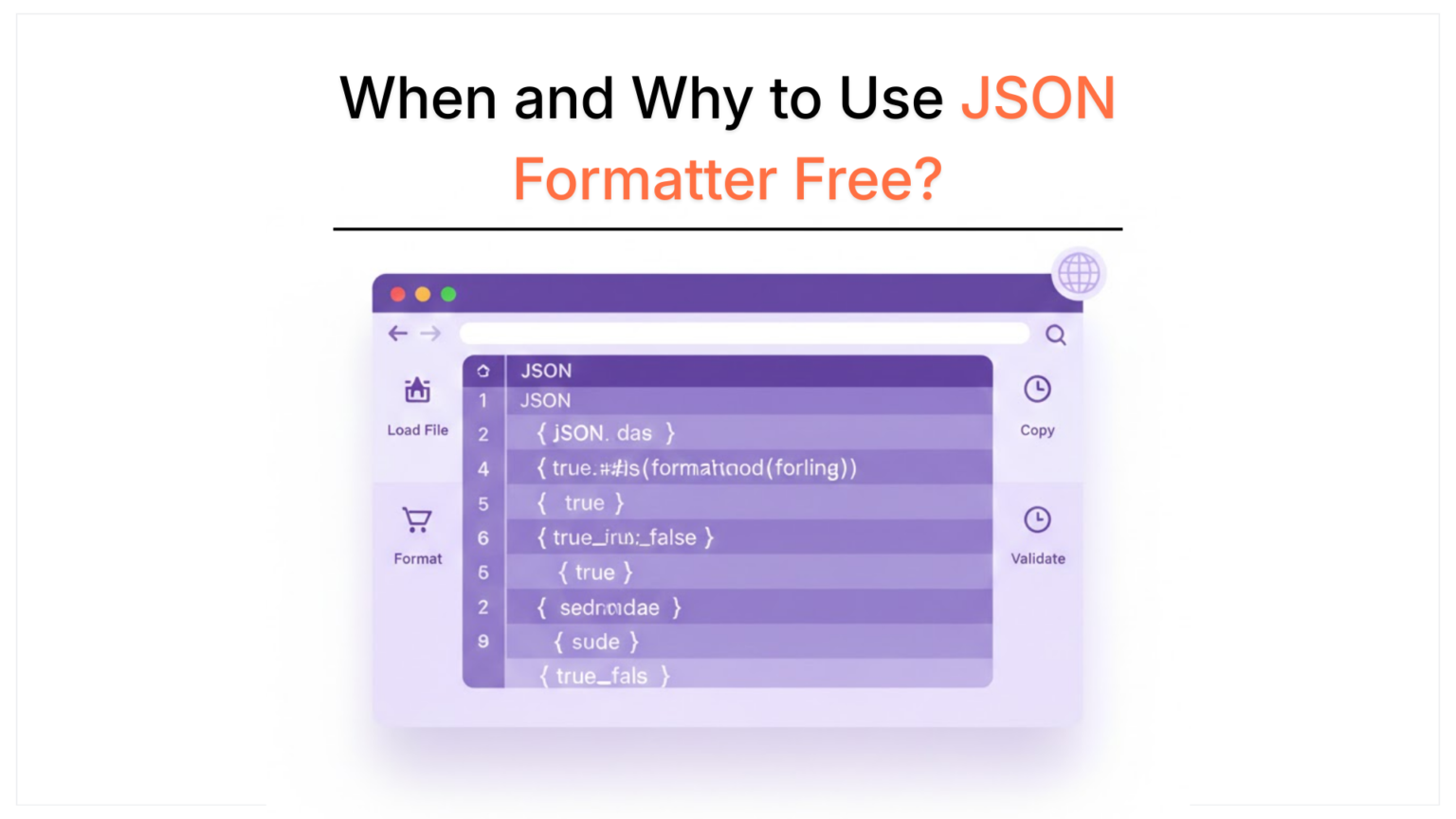
In typical use cases, a JSON formatter API receives raw JSON input, parses it, validates the structure, and returns either a beautified (human-readable) or minified (compressed) version. This makes it ideal for CI/CD pipelines, backend services, and developer tools where JSON is generated frequently. For example, teams can format JSON for debugging in staging environments and automatically minify it for production to improve performance.
Many JSON formatter APIs also support advanced validation using JSON Schema, ensuring required fields exist and data types match expected formats. This is critical for public APIs, payment systems, and third-party integrations where invalid JSON can break downstream services. Teams can use third-party APIs or build their own internal formatter using languages like JavaScript. Either way, a JSON formatter API turns manual formatting into a scalable, reliable, and automated process.
Working with JSON in JavaScript is straightforward because JSON is natively supported by the language. A JSON formatter JavaScript approach allows developers to format, validate, and minify JSON directly inside applications without relying on external tools. This makes JSON handling faster, more flexible, and easier to automate in both frontend and backend environments.
In JavaScript, JSON formatting typically starts by parsing raw JSON data using built-in methods. Once parsed, the data can be converted back into a beautified format for readability or a minified format for performance. Developers often beautify JSON during debugging to clearly inspect API responses, then minify it before sending data over the network in production.
JavaScript-based JSON formatting is widely used in APIs, configuration files, browser-based tools, and Node.js applications. It allows developers to validate JSON structure before processing, catch errors early, and dynamically format responses. This approach improves debugging efficiency, supports automation, and ensures consistent data handling across applications, making it an essential practice in modern web development.
A JSON formatter is an essential tool for anyone working with structured data in modern applications. It helps transform raw, unreadable JSON into a clear and organized format, making debugging, validation, and collaboration significantly easier. Whether you’re formatting API responses, checking configuration files, or preparing data for production, a JSON beautifier improves accuracy and efficiency at every stage. From beautifying JSON for readability to minifying it for performance, the right formatter supports both development and production workflows. It also plays a key role in validation, helping developers catch errors early and maintain consistent data structures.
Explore other helpful Tools:

Top rated Seo expert in pakistan
A meta title generator is a tool that creates SEO-friendly title tags based on keywords, topics, and search intent.
Yes. When done using a reliable CSS minifier tool, minification is safe and does not affect website design or layout.
Indirectly, yes. Faster-loading pages improve user experience and performance metrics, which can positively impact SEO.
You should minify CSS for production websites. Keep unminified files for development and editing.
Yes. Many tools allow you to minify or compress CSS online for free, making it easy to optimize stylesheets quickly.